Why this batch
FluidVoice is free and open source. Its website and README list a Mac command mode, multi-hour dictation, saved recordings with a storage budget and ZIP export, and holding Space to mute. If Gabsy is going to ask people for money, it can't be missing things a free app already has.
So this batch fills those gaps on the Mac. The work is merged into the alpha and is going through hand testing now. I haven't run a side-by-side comparison with FluidVoice, and none of this is a benchmark result.
Say a command, and your Mac does it
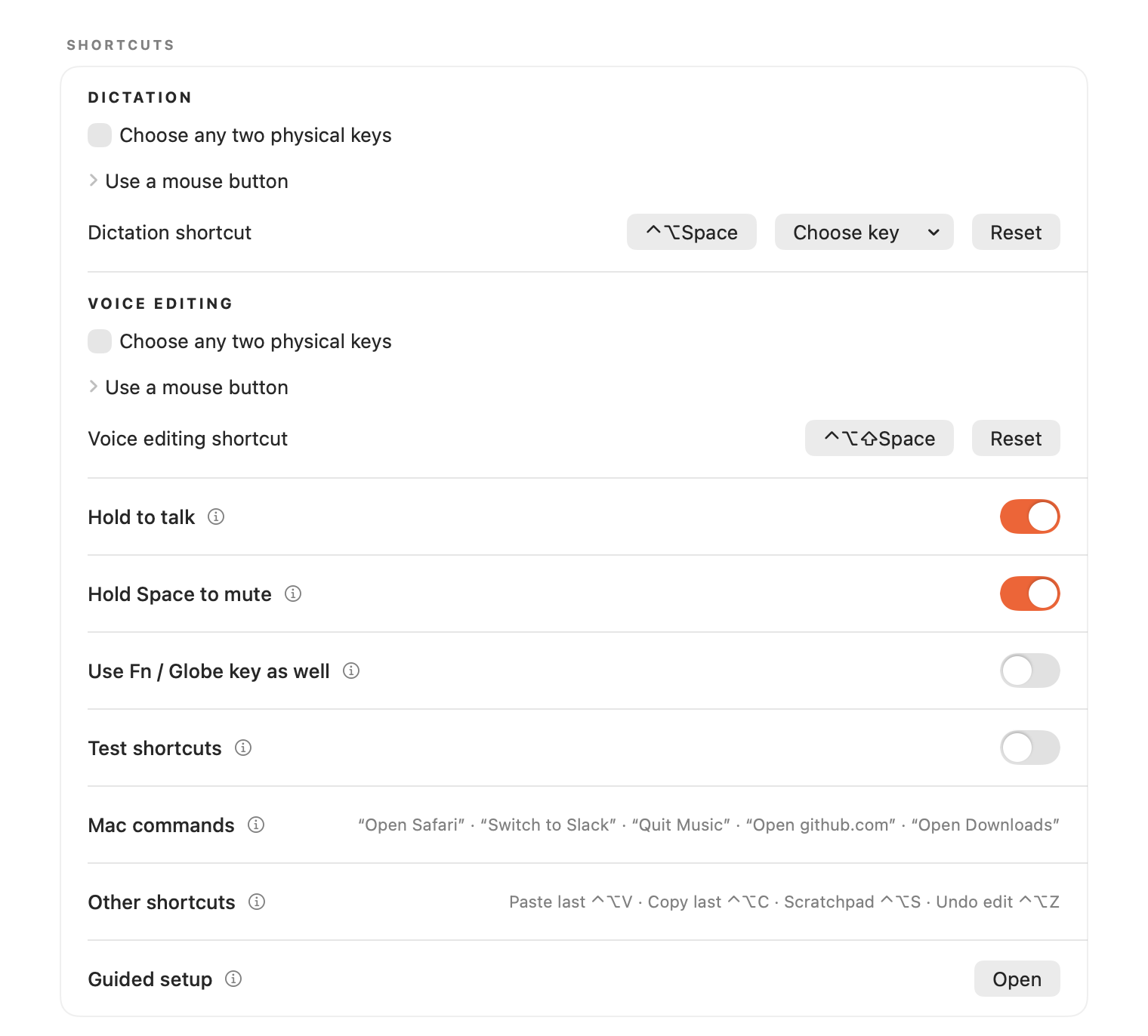
Gabsy already had a second shortcut for voice editing: select some text, hold the shortcut, and say “make this more formal”. That same shortcut now takes Mac commands:
- “Open Safari”, “Switch to Slack”, “Quit Music”
- “Open github dot com”, “Open Downloads”
- “Run the Morning shortcut”, for any shortcut in Apple's Shortcuts app, by name
- “Lock the screen”, “Turn off the display”, “Mute”, “Volume up”, “Take a screenshot”
Commands don't go through a language model. Gabsy matches the words against a short list of command patterns, then against the apps and Shortcuts on your Mac. That means a command runs as soon as Gabsy has heard it, with nothing sent anywhere. Common nicknames work (“chrome”, “vs code”, “settings”), and so do small recognition slips like “slak” for Slack.
If a name matches nothing and you have text selected, Gabsy treats your words as an edit, as before. “Open the second paragraph and tighten it” still edits your text.
Dictation that keeps going for hours
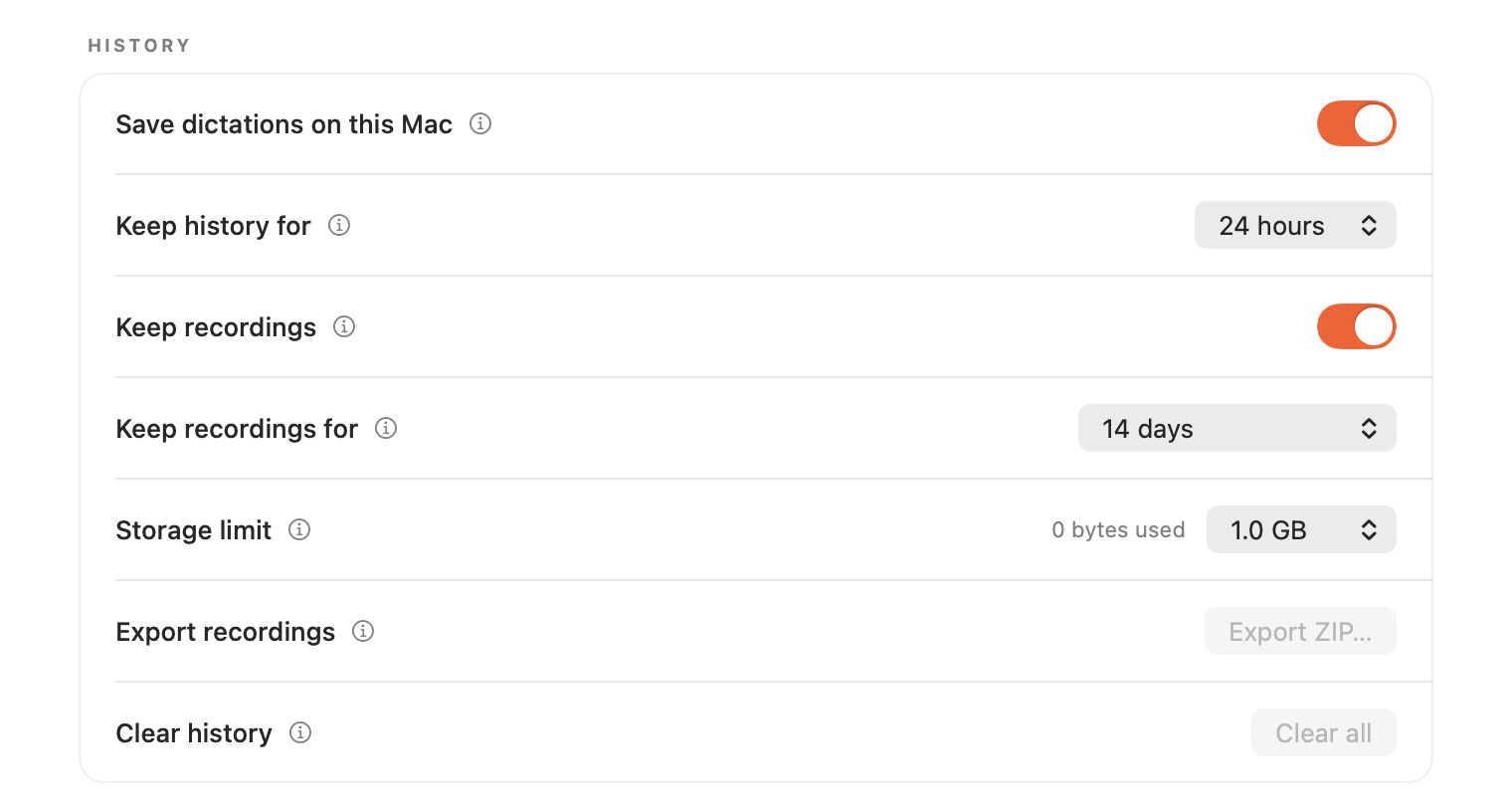
Until now, a Gabsy dictation stopped at 30 minutes. It can now run for up to four hours, and audio imports can be four hours long too.
Simply raising the limit wasn't enough. Gabsy already transcribes while you talk, cutting the audio at natural pauses so that releasing the shortcut only waits for the last few seconds. If someone talks for 30 seconds without a clear pause, Gabsy now cuts at the quietest moment instead of letting the buffer grow. If a long recording has to be transcribed after you stop, it is read in pieces of up to 90 seconds, so memory use stays flat however long it is. The status line shows how many minutes are done. Gabsy also stops and transcribes before your disk fills, so a long session is never cut off.
Recordings you can keep, budget and export
Saved recordings are off by default. Turn them on, and each dictation's audio is kept next to its text in History, so you can play it back or transcribe it again. Gabsy now compresses them to AAC in the background after your words are inserted. That is roughly 15 MB per hour of speech instead of hundreds of megabytes of raw audio.
You choose how long recordings stay and how much space they may use, from 250 MB up to no limit. When the limit is reached, the oldest recordings go first, and starred dictations keep theirs. Export ZIP saves all of them in one file, named by date and first words, with a transcripts.csv of the text.
Hold Space to mute
Sometimes you need to cough, or answer someone in the room, in the middle of a long dictation. While Gabsy is recording, hold Space and the microphone is muted. Let go and Gabsy carries on.
Gabsy records silence while Space is held, rather than stopping the microphone. That keeps the recording continuous, and unmuting is instant, so the first word after you let go isn't lost. Space only does this while Gabsy is recording. It types normally the rest of the time, and shortcuts like ⌘Space still work.
A small one: today's words
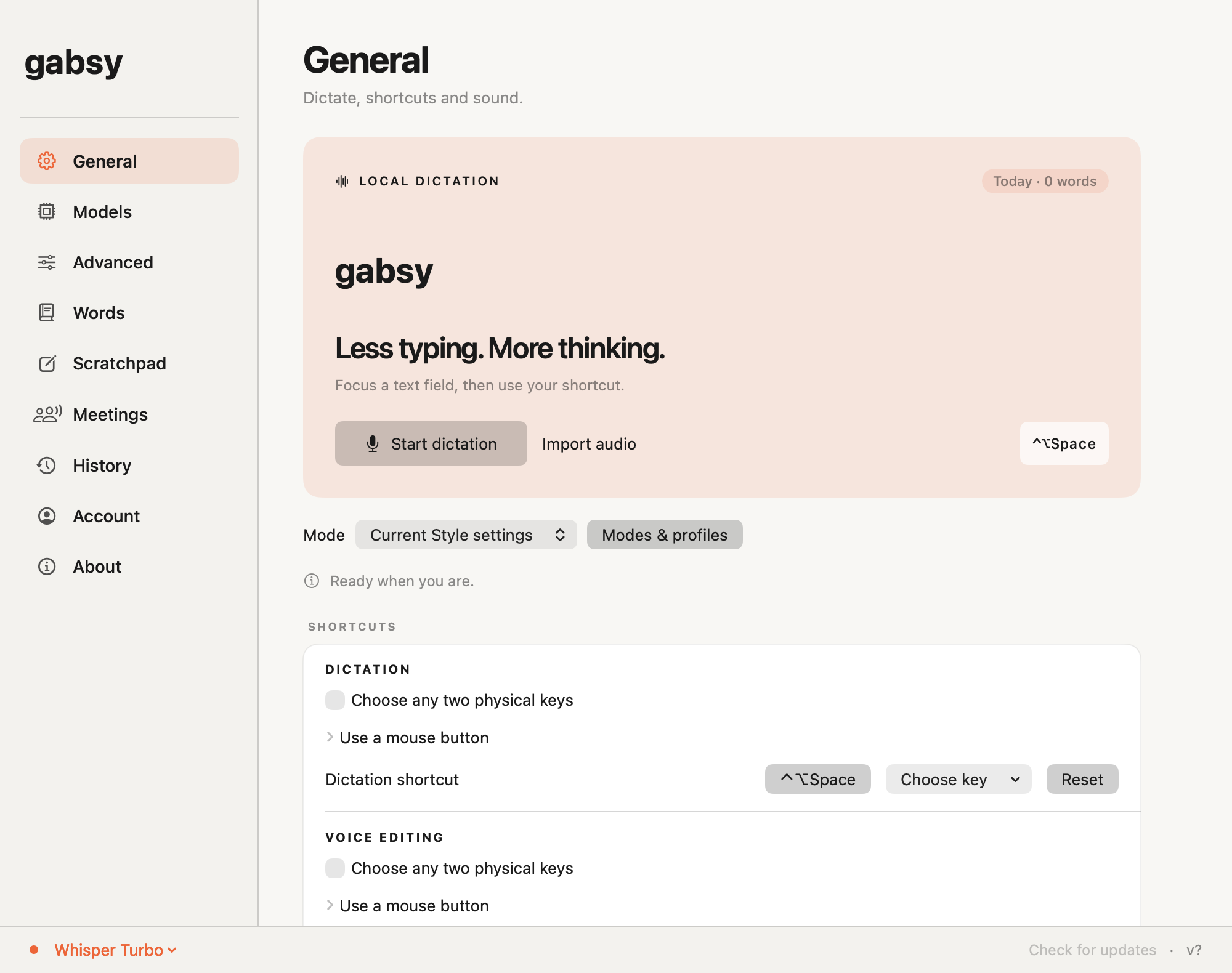
The dictation card now shows a “Today · N words” count. It is a small thing, but it is nice to see.
What's still being checked
All of this builds and passes Gabsy's automated tests. The parts that touch the real system still need hand testing on a Mac: running Shortcuts, the lock-screen keystroke, compressing recordings, the ZIP export, and a dictation of well over half an hour. I'll fix what that testing turns up before calling any of it finished.
Gabsy is still a private alpha. If you'd like to try it when it opens up, the waitlist is the place to be.
Sources and scope
Product documentation checked 3 November 2026. Features and prices can change. This is Gabsy-authored analysis, not an independent review or a controlled comparative benchmark.